
Last Updated on April 27, 2026
AI Transparency VerifiedHow to Create HeyGen Video Ads Step by Step
Want to know how to create HeyGen video ads without a camera or a big budget? You’re in the right place. Video ads are now one of the best ways to reach new customers online. In fact, according to Wyzowl’s State of Video Marketing report, most marketers say video gives them a great return on investment. However, making videos the traditional way is expensive and takes a lot of time.
That’s where HeyGen comes in. If you are new to UGC and want to understand the basics first, our beginner guide to what is UGC and how to make money with it is a good place to start.
I use HeyGen personally to make every video on the Remote Future YouTube channel. So, everything in this guide comes from real daily use. This is not a features list or a review. For a full breakdown of pricing and avatars, check out the HeyGen AI Review. Here, you will learn exactly how to create HeyGen video ads from scratch, step by step.
Let’s get into it.
Affiliate Disclosure: This post contains affiliate links. So, if you click through and make a purchase or sign up, we may earn a small commission at no extra cost to you.
What You Need to Create HeyGen Video Ads
Good news: you don’t need much to get started. Here’s the simple checklist:
- A HeyGen account (the free plan gives you 3 videos per month)
- One product, service, or offer you want to promote
- Some idea of which platform you’re targeting
- Around 30 to 60 minutes for your first ad
No microphone, no camera, and no editing skills required.
Step 1: Set Your Goal Before You Create HeyGen Video Ads
This step happens before you open HeyGen. It’s also the one most beginners skip. Every good ad starts with one clear goal. Trying to do too many things in a short video usually makes it weaker.
Your goal will likely be one of these three:
- Brand awareness: letting people know your brand exists
- Lead generation: getting people to sign up or ask questions
- Sales and conversions: getting people to buy something
Once you know your goal, write it down in one sentence. For example: “This ad gets people to visit my page and start a free trial.” That sentence will guide every decision you make next.
How to Write a Script for Your HeyGen Video Ad
With your goal clear, it’s time to write your script. Keep the words simple. Focus on the problem your product solves. A good short-form ad script works like this: first, open with the problem, then introduce your solution, and finally end with one clear call to action.
Try to keep your video under 30 seconds. Most ad formats work best at that length. On TikTok and Instagram Reels, 15 seconds is often even better. Viewers decide very quickly whether to keep watching, so every sentence needs to count.
If writing feels hard, HeyGen has a built-in AI script tool. Simply describe your product and your goal. Then, it writes a draft for you in seconds. After that, you clean it up rather than starting from zero.
Step 2: Log In and Choose How to Create HeyGen Video Ads
Once your script is ready, log in to HeyGen and click Create. You will see a few ways to begin. Picking the right one for your situation saves a lot of time.
The template library is the easiest starting point for beginners. Templates give you a ready-made layout right away. All you do is swap in your own text and images. As a result, you get to a working first draft much faster.
The AI Video Agent is great if you want more help. You paste a link, upload a file, or describe your topic. Then, the agent writes a script, builds a storyboard, picks visuals, and adds narration for you. After that, you check each scene and make edits in plain English.
There is also a third option called URL-to-Video. If your product already has a website, you paste the link into HeyGen. The tool then builds a video ad from the content on that page. This is a very fast shortcut when you want to create HeyGen video ads from an existing product page.
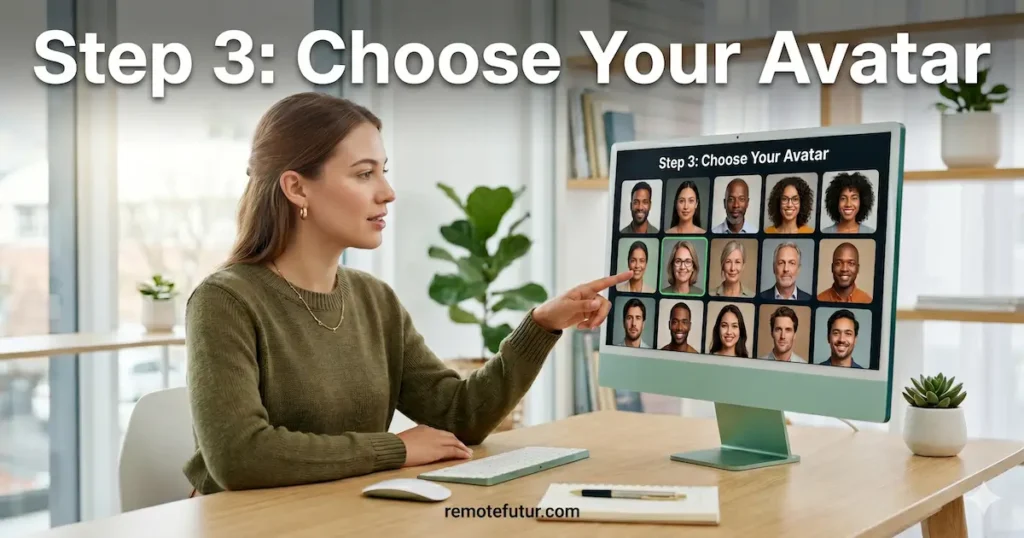
Step 3: Choose Your Avatar to Create HeyGen Video Ads
Your avatar is the face of your ad. HeyGen gives you several options to choose from. The best one depends on your goals and how much time you want to spend on setup.
Stock Avatars for HeyGen Video Ads
The stock avatar library is the simplest place to start. There are over 700 avatars to choose from. Moreover, each avatar comes with multiple Looks, which are different outfits, poses, and backgrounds. So, even one stock avatar gives you lots of visual options with no extra work.
Custom Digital Twin for HeyGen Video Ads
For a more personal touch, you can create a Custom Digital Twin. You record a short video of yourself and upload it. Then, HeyGen creates a digital version of you that can say anything you type. Furthermore, even free plan users get one Digital Twin slot, which is a nice bonus.
Avatar V: Create HeyGen Video Ads With the Most Realistic Avatar
The newest option is Avatar V, which launched in April 2026. You record a 15-second clip to set it up. After that, you use AI prompts to change your look, try new styles, and tweak details for each campaign. As a result, it gives you both flexibility and realism in one place.
Generate a Custom Avatar for HeyGen Video Ads
Finally, you can also build an avatar from a text prompt. This is useful if you want a cartoon style, a fictional character, or a look that doesn’t exist in the standard library.
Tips to Create HeyGen Video Ads With the Right Avatar
Here are a few simple guidelines to keep in mind:
- Match the avatar’s style to your product. A casual look works well for lifestyle brands. A professional style suits business or software products.
- Keep your avatar’s outfit and background consistent across your ads. Consistency helps people recognize your brand faster.
- Avoid stiff or overly formal avatars for TikTok and Reels. Those platforms work best with content that feels natural and real.
Step 4: Pick the Right Format When You Create HeyGen Video Ads
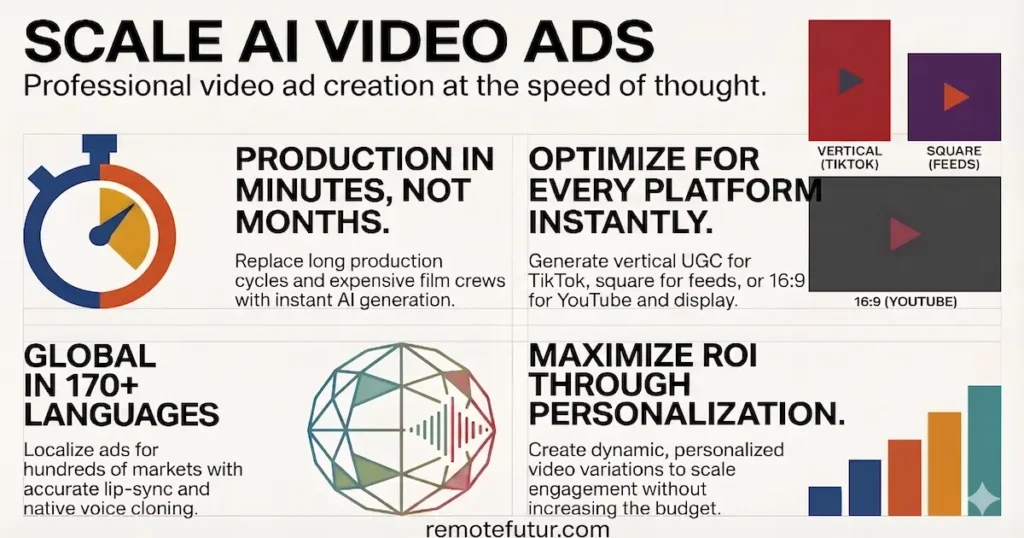
This step has a big impact on how well your ad performs. Different platforms prefer different video sizes. Uploading the wrong size can lead to cropped visuals and a poor experience for viewers.
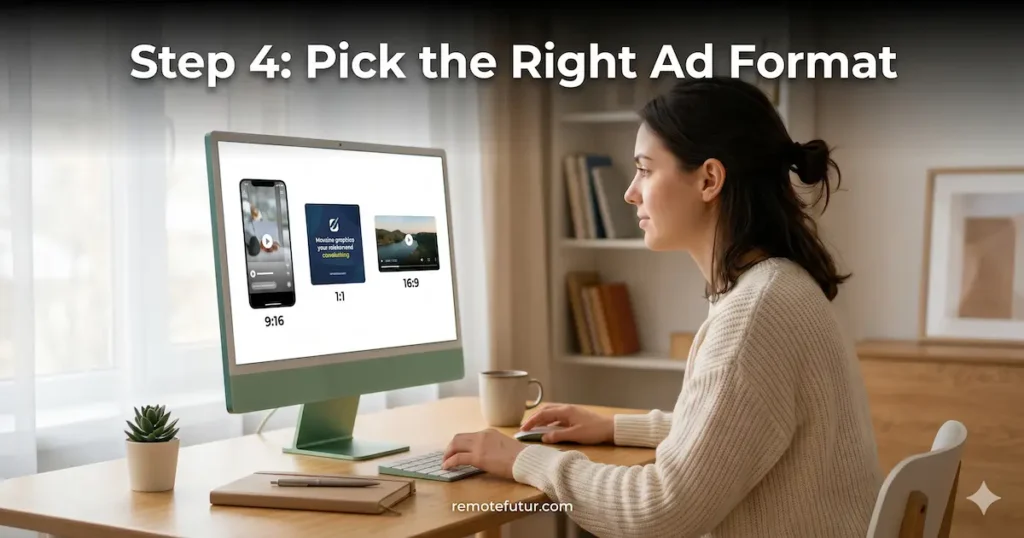
HeyGen supports three main ad formats. Each one works best in specific places.
Display Ad Format for HeyGen Video Ads
Format: 16:9 wide or 1:1 square. Best for Google Display Network, website banners, and other web placements.
For display ads, you need bold text with a clear call to action. Product visuals should be simple and easy to understand at a glance. Additionally, short animations can help grab attention on busy web pages. Strong contrast between your text and background is important here too.
Social Media Format for HeyGen Video Ads
Format: 9:16 vertical for TikTok, Instagram Reels, and Stories. Square 1:1 for Facebook and LinkedIn feeds.
Social ads need to grab attention fast. You have about two seconds before someone scrolls past. Captions are also essential because most people watch social videos with the sound off. Moreover, native touches like hashtags and a friendly tone help your ad blend into the feed naturally.
UGC Style HeyGen Video Ads
Format: 9:16 vertical for TikTok and Instagram.
UGC ads are made to look and feel like real user content. They use a talking head style with personal stories, product demos, and social proof like reviews. When done well, UGC ads often perform better than polished ads because they feel more honest and relatable.
Pick your format before you start building inside HeyGen. Changing it later means rebuilding your layout from scratch. So, getting it right the first time saves a lot of effort.
Step 5: Build the Visuals for Your HeyGen Video Ads
Once your avatar and format are set, it’s time to build the visual side of your ad inside AI Studio. This is where most of the creative work happens when you create HeyGen video ads.
Adding Assets to Your HeyGen Video Ads
Start by picking a template or uploading your own files. HeyGen lets you add product photos, screen recordings, animations, music, and branded images. The screen recorder is especially handy if you’re selling a software tool or app. Specifically, it lets you capture your screen and drop that footage straight into the ad.
Optimizing Your HeyGen Video Ad for Silent Viewing
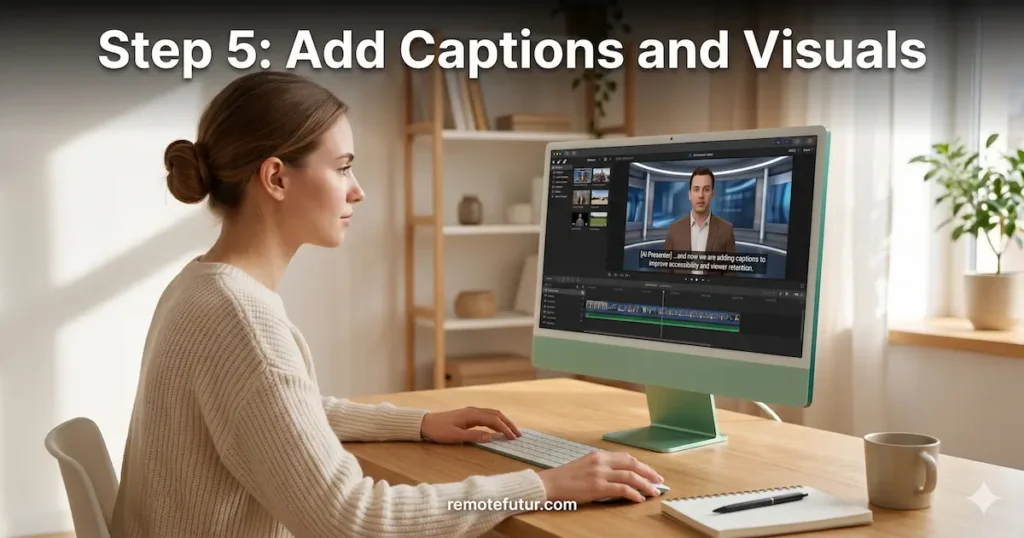
The most important thing to add at this stage is captions. Many people watch video ads with the sound off. Without captions, they will miss your whole message. Fortunately, HeyGen creates accurate captions for you automatically. All you have to do is switch them on.
Beyond captions, here are a few other tips for making your visuals work harder:
- Add bold text in the first three seconds to grab attention right away. On TikTok and Instagram, viewers decide almost instantly whether to stay or scroll.
- Put a clear call to action on screen before the video ends. Simple text like “Try Free Today” works well even for silent viewers.
- Keep the layout clean and uncluttered. Too many visuals compete with your avatar and confuse the viewer.
- For Google Display ads, use high contrast so your text is easy to read even at small sizes.
How to Create HeyGen Video Ads With Product Placement
If you sell physical or digital products, HeyGen’s AI Product Placement Ad Generator is worth trying. You upload a product image and a script. Then, the avatar appears to hold or show off your product in the ad. This feature works especially well for TikTok and Amazon content.
For more on UGC-style ad production, the Tagshop AI tutorial and the Creatify vs Tagshop AI comparison are both great reads.
Step 6: Create HeyGen Video Ads for Global Markets
If your product has a global audience, this step can really grow your reach. Moreover, you don’t need to make a brand-new ad for every country.
HeyGen supports translation into more than 170 languages. It also re-animates your avatar’s lips to match the new audio. So, when you create HeyGen video ads in another language, the result looks natural and not dubbed.
The results speak for themselves. Trivago uses HeyGen to localize ads for 30 markets, saving three to four months of production time. Similarly, Tomorrow.io uses it to scale personalized video content for different audiences. For small businesses, this kind of reach used to cost a fortune. Now, it’s built right into HeyGen.
Step 7: Render and Launch Your Ad
Once you’re happy with your script, visuals, captions, and call to action, click Submit to render the final video. On paid plans, a one to two minute video usually takes five to ten minutes to finish.
Before you hit render, run through this quick checklist:
- Play the full preview and listen for any words that sound robotic. If something sounds off, change the spelling phonetically and preview it again.
- Make sure your call to action is visible and easy to hear.
- Check that captions are correct from start to finish.
- Confirm the aspect ratio matches your platform.
After rendering, download the video and upload it to your ad platform. The quality is good enough for all major platforms with no extra editing needed.
One quick tip: if the render seems stuck at 97%, try refreshing the page or switching to Google Chrome. HeyGen works best on Chrome.
Here are some platform tips to apply before you go live:
- Google Display ads: use high contrast and a short, direct call to action
- Facebook and Instagram: use native formats like Reels, Stories, and Feed placements
- TikTok works best with content that is fun, fast, and on-trend
- LinkedIn audiences respond to professional presentation and a clear value proposition
Step 8: Test and Improve Your HeyGen Video Ads
Running one ad forever is not the best strategy. Instead, the most successful advertisers test different versions and use the data to improve over time. When you create HeyGen video ads in multiple versions, you learn much faster what actually works.
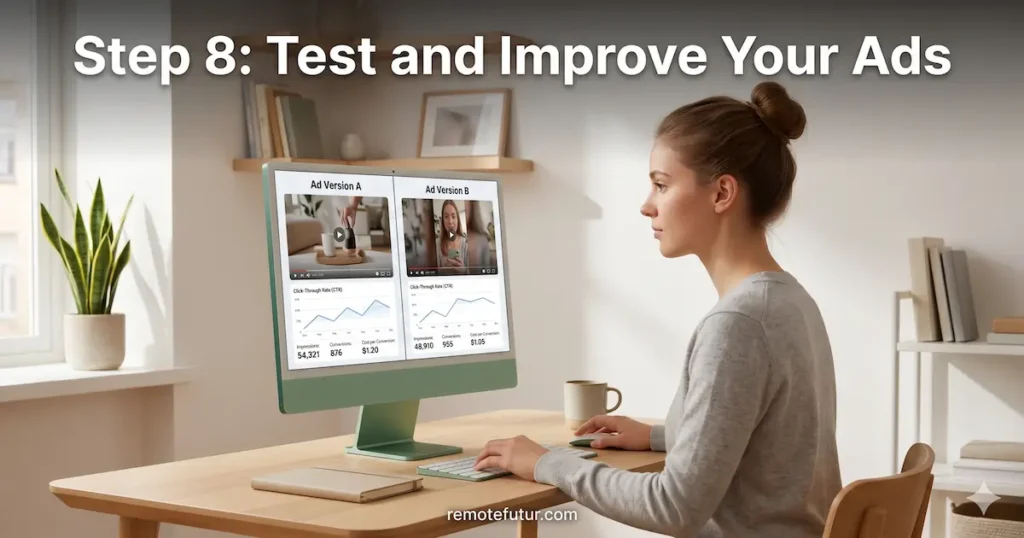
Creating a new version only takes a few minutes. Here’s a simple testing plan to get started:
- Test two different opening lines, one that starts with the problem and one that starts with the result
- Try swapping the avatar to see if a different face gets better results
- Test two calls to action, like “Start Free” versus “See How It Works”
- Try a 15-second version against a 30-second version
Use your ad platform’s analytics to compare results. Look at click-through rate, video completion rate, and cost per result. After you have enough data, pause the weaker version and improve the stronger one.
Also, rotate your ads regularly. Even a great ad gets ignored when people see it too many times. This is called ad fatigue. Therefore, switching up your creative every three to four weeks keeps your results strong.
For more ideas on building your content workflow, the Best AI Tools for Content Creators in 2026 is a great next read.
Is HeyGen Worth It for Video Ads?
If you want a full breakdown of what HeyGen does well and where it falls short, the HeyGen vs Synthesia vs Synthesys comparison is a great place to start. It covers honest pros and cons, pricing tiers, and a side-by-side look at the top AI video tools. That’s the best place to evaluate before committing to a plan.
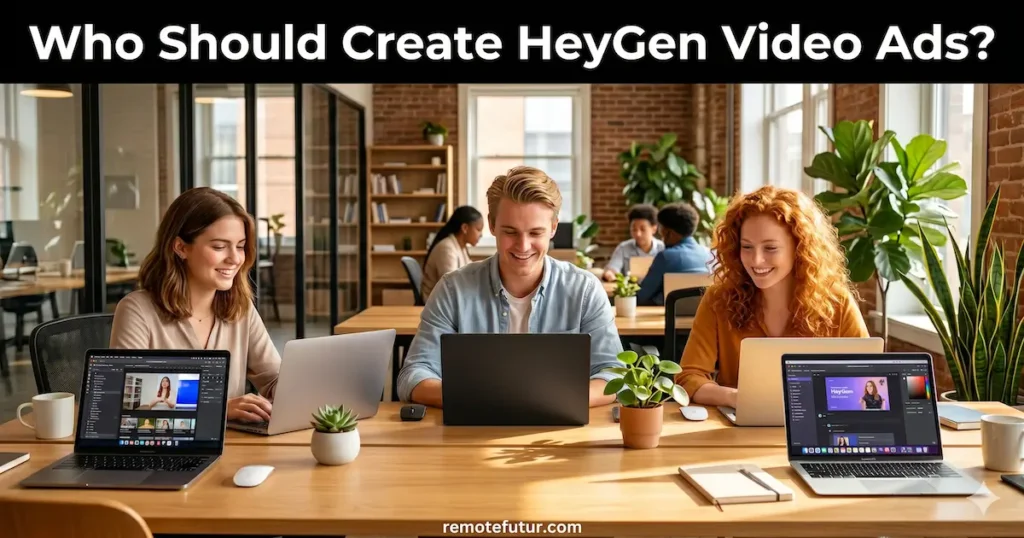
Who Should Create HeyGen Video Ads?
Learning how to create HeyGen video ads is a great fit for:
- Solo creators and bloggers who want to run video ads without going on camera
- E-commerce and dropshipping sellers who need ad creatives quickly and cheaply
- Freelancers and service providers promoting their work on LinkedIn, Instagram, or TikTok
- Digital product sellers who want to show off software or online courses
- Small business owners trying video ads for the first time
However, HeyGen is less ideal if your brand needs raw, unfiltered authenticity. It’s also less suited for products that need hands-on physical demos. In those cases, mixing HeyGen with real product footage tends to give better results.
For more context on building a remote business alongside your ad strategy, the Beginner’s Guide to Starting an Online Store and the Best Dropshipping Tools roundup are both worth a read.
Frequently Asked Questions
How long should a HeyGen video ad be?
Keep it under 30 seconds for most platforms. On TikTok and Instagram Reels, 15 seconds tends to work even better.
Do I need a paid plan to create HeyGen video ads?
The free plan gives you three videos per month with a one-minute cap and a watermark. For real ad campaigns, the Creator plan at $29 per month removes the watermark and gives you unlimited video generation.
What formats can I use when I create HeyGen video ads?
Display ads use 16:9 or 1:1 for websites and Google. Social ads use 9:16 vertical for TikTok and Reels, or 1:1 square for feed placements. UGC ads use 9:16 vertical and are styled to look organic. Each format fits different platforms and goals.
How do I create HeyGen video ads in multiple languages?
HeyGen translates your video into more than 170 languages with accurate lip sync. So, one core ad can reach many different markets without re-recording anything.
Is the UGC style believable enough for social ads?
It can be, especially with a natural, conversational script that speaks to a real problem. The key is to avoid sounding too salesy. A relatable opener and simple language make a big difference.
How many ad versions should I test at once?
Start with two. Testing more at the same time makes it harder to know what’s actually working. Two versions with one difference give you the clearest data.
How do HeyGen video ads compare to other AI ad tools?
HeyGen is strongest for avatar-led video ads with multi-language support. Tools like Creatify AI focus more on product ad creation. The Creatify AI Review and the TikTok AI UGC Ads tutorial are good comparisons to read alongside this guide.
Final Thoughts on How to Create HeyGen Video Ads
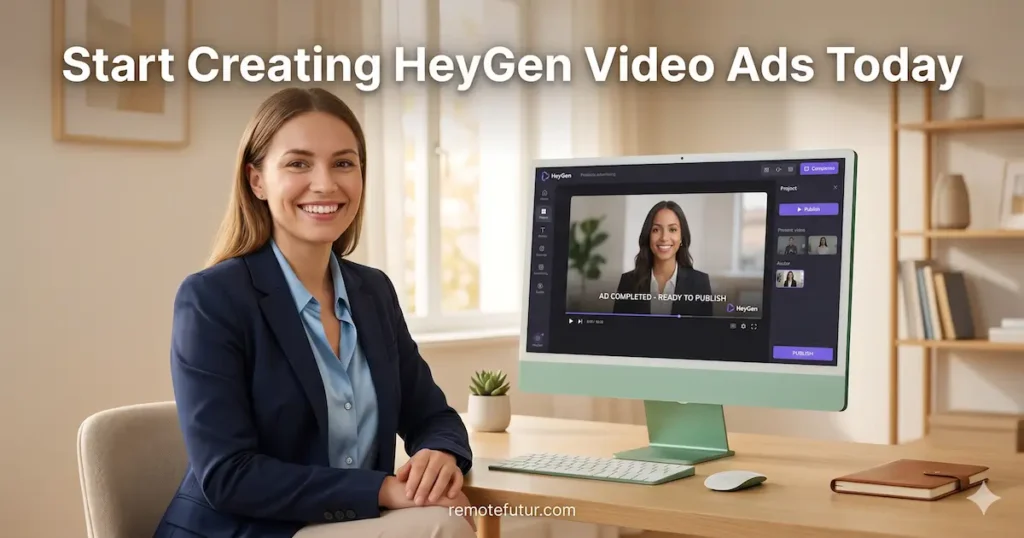
Making great video ads doesn’t have to be hard or expensive. HeyGen gives solo creators and small businesses a fast, affordable way to create HeyGen video ads that look professional. Moreover, the results are good enough to run on major ad platforms right away.
Here’s the honest truth: HeyGen handles the production side well. However, your script, your targeting, and your willingness to test are what actually get results. Start with the free plan, follow the steps above, and let the data guide you from there.
For more context on AI video tools that work alongside HeyGen, the InVideo AI Review and the Makereels AI Review are both strong next reads.
Work Smarter. Live Better.
Affiliate Disclosure: This post contains affiliate links. So, if you click through and make a purchase or sign up, we may earn a small commission at no extra cost to you.
Related Reads
- Tagshop AI Review: Is It Worth It for Small Businesses?
- Creatify AI vs Tagshop AI: Which One Should You Use?
- Creatify AI Review: How to Create High Converting Ads Fast
- How to Make TikTok AI UGC Ads (Fast & Free)
- HeyGen AI Review 2026: Surprisingly Simple and Worth It
- InVideo AI Review: Text-to-Video Made Simple
- Makereels AI Review: The Ultimate Guide to Viral Reels
- HeyGen vs Synthesia vs Synthesys: Which AI Video Tool Wins?
- Best AI Tools for Content Creators in 2026
- What Is UGC and How to Make Money With It

Ibra A. is the founder of Remote Future, a site covering AI tools, remote work, and online business strategies. He holds a Facebook Social Media Marketing certificate from Coursera and actively tests AI tools to support independent creators and small business owners. His focus is practical, no-hype guidance for people building lean online businesses.
Content on Remote Future is created using AI tools to support efficient research and writing for remote workers and creators, followed by human edits for clarity and accuracy.
Read our AI Editorial Policy.