

Last Updated on September 12, 2026
AI Transparency VerifiedHave you ever stared at a blank timeline, wondering how to turn a product photo into a real video ad? If so, this guide is for you. Pippit AI is one of the newer names in the AI video generator space. It turns product links, images, and scripts into finished marketing videos. Overall, this guide walks through how it works, who it fits best, and what to expect once you sign up.
Before we go further, a quick note. This post contains affiliate links. So, if you click through and subscribe, we may earn a small commission at no extra cost to you.
We also want to be upfront about something else. We have not personally tested Pippit AI inside our own workflow yet. Instead, this review draws on careful research, hands on user reports, and the official Pippit AI website. That said, we will update this post with our own firsthand results once we run it through our process. We will flag any changes clearly when that happens.
What Is the Pippit AI Video Generator?
The team behind CapCut built Pippit AI as a browser based content platform. That means it shares some of the same technology as one of the most widely used video editors around. Because of that background, Pipit targets ecommerce sellers, marketers, and creators. These users need to produce video ads, product photos, and social content quickly.
At its core, Pippit takes something you already have, such as a product link, a photo, or a short script. Then it turns that input into a finished video draft. From there, you can adjust the pacing, swap in an AI avatar, and change the voice. Then you export a version that fits TikTok, Instagram, or Facebook.
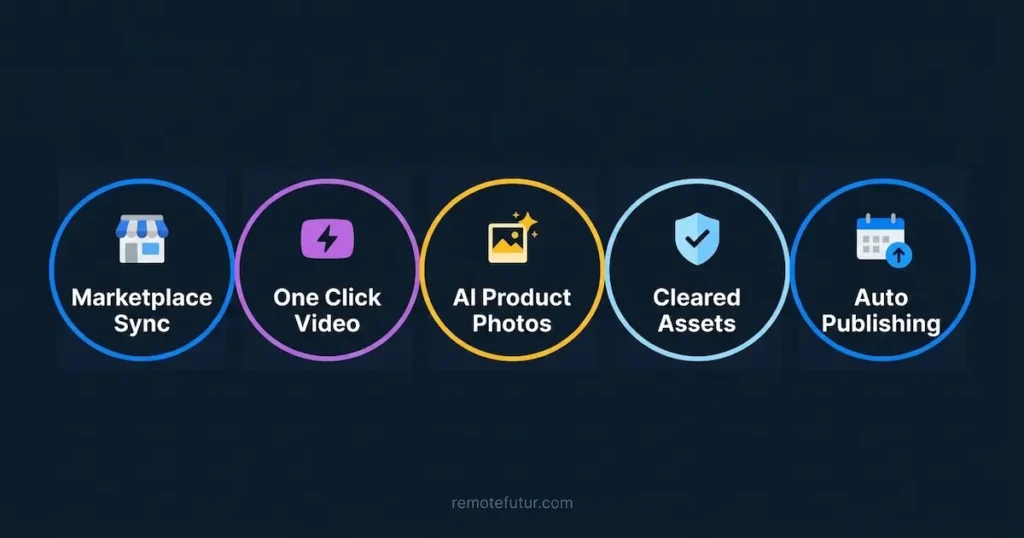
According to Pippit’s own site, five things anchor the platform. First, ecommerce marketplace integration pulls in your product listings automatically. Second, a one click video solution turns a product link into dozens of video drafts. Third, AI powered product images swap backgrounds and drop your product into a new scene in a few clicks. Fourth, a library of precleared commercial assets gives you music, templates, and graphics you can use freely. Finally, auto publishing with analytics lets you schedule content and track performance from one calendar.
Overall, Pippit leans hard into speed rather than cinematic storytelling. For example, reviewers describe generating a batch of video drafts from a single product link. Then they pick the strongest draft to refine further. Because of that combination of speed and built in distribution, the tool suits a fairly specific type of user.
Who Pippit AI Is Best Suited For
Pippit is not trying to be everything to everyone, and that focus is actually a strength. So, here is who gets the most value from it.
- Solo Shopify or TikTok Shop sellers who need product videos without hiring a videographer
- Small ecommerce teams producing multiple ad variations for testing
- Freelancers offering short form video ads as a service to clients
- Marketers who need quick vertical video content for TikTok, Reels, and Stories
- Creators who want realistic AI avatars for product demos in multiple languages
On the other hand, Pippit will likely feel limiting for certain goals. For instance, does your priority sit with long form YouTube content or frame by frame editing control? If so, look elsewhere. That is because this particular AI video generator is built for speed, not for slow, deliberate craftsmanship. In fact, reviewers note that templates, pacing, and defaults all favor short form vertical video. So, horizontal content feels like an afterthought here rather than a core use case.
Are you just starting to explore video as part of a remote income strategy? If so, check our guide on why remote work is the future. It covers how content skills like this fit into a remote career path.
How to Use the Pippit AI Video Generator Step by Step
Here is a practical walkthrough of the core workflow, based on how the tool works according to its own documentation.
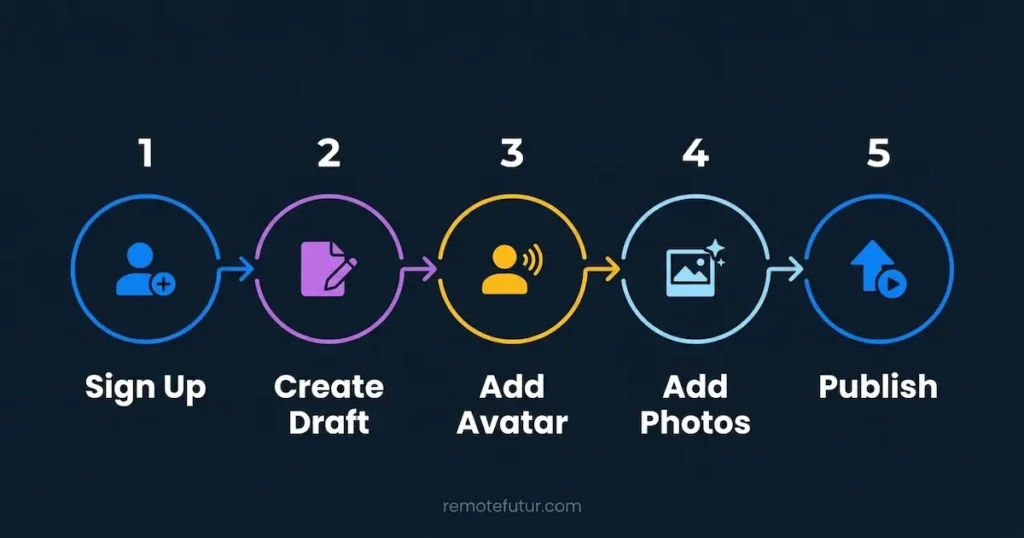
Step 1: Sign Up and Choose Your Starting Point
First, head to the official Pippit AI website and create a free account. After that, you will land on the main dashboard, where the Video Generator is the flagship tool. From there, you can start with a product link, a text prompt, an uploaded image, or a ready made template.
Step 2: Turn Your Input Into a Draft
Next, paste in your product URL, or type a short description of what you want the video to communicate. Then, select your preferred AI model, choose your aspect ratio, and pick the video language. Once you do, let the tool generate a first draft. In some cases, it produces several draft variations at once, sorted by style, such as product highlights or testimonial content.

Step 3: Customize With Avatars and Voices
Do you want a presenter style video? If so, Pippit gives you access to a large library of talking AI avatars. These span different ethnicities, ages, and visual styles. You can also build a custom avatar from your own footage. That gives you a consistent on screen presenter across every video.
Each avatar moves and expresses emotion realistically, rather than sitting as a static talking head. After picking one, pair it with one of the built in AI voices. Then, use the AI video translator or AI dubbing tool to localize the same script for other markets. This way, you never have to record anything twice.

Step 4: Add Product Photos and Posters
Separate from video, Pippit also includes an image studio for batch generating product photos. For example, the AI background generator swaps a plain product shot into a styled scene. Meanwhile, the product showcase design tool builds full promotional posters around it. Do you need to resize the same image across platforms? If so, the image resizer and upscale tool handle that without a separate editor.
This matters if you are still figuring out how to start an online store. Professional looking visuals often feel out of reach on a limited budget, and this closes that gap.

A Few More Tools Worth Knowing About
Beyond the core video generator, Pippit includes several smaller tools that are easy to miss on a first visit. For instance, the UGC content creator targets testimonial style ads specifically. Meanwhile, the AI image to video tool animates a still photo into a short clip. Also, do you need standalone graphics instead of a full video? If so, the AI design generator and photo layout tool cover posters, banners, and multi image layouts.
Step 5: Publish and Review Analytics
Once your video is ready, Pippit supports direct publishing to social platforms. So, you can schedule and post without leaving the dashboard. Additionally, the platform tracks basic analytics, which gives you one place to check performance instead of checking each platform separately.
A Real World Example
Picture a small skincare brand selling a single serum on Shopify. Instead of booking a photographer, the seller pastes their product page link into Pippit. Within minutes, the tool generates a handful of video drafts. One shows a quick product highlight, while another mimics a customer testimonial.
The seller picks the testimonial style draft. Next, they swap in an avatar that matches their target audience. Then they tweak the script slightly to mention a current promotion. After adding captions, they export in a vertical format. Then, the finished ad is ready to run on TikTok and Instagram Reels that same afternoon. That kind of turnaround is exactly what an AI video generator built around speed should deliver. It suits sellers who need volume over polish.
Does this UGC style approach interest you? If so, check our breakdown of what UGC is and how to make money with it. It explains the broader trend behind this workflow.
Pippit AI Video Generator Pricing
Pippit runs on a subscription plus credit system. Pricing here is one of the more transparent parts of the platform. Here is what the official pricing page shows as of this writing.
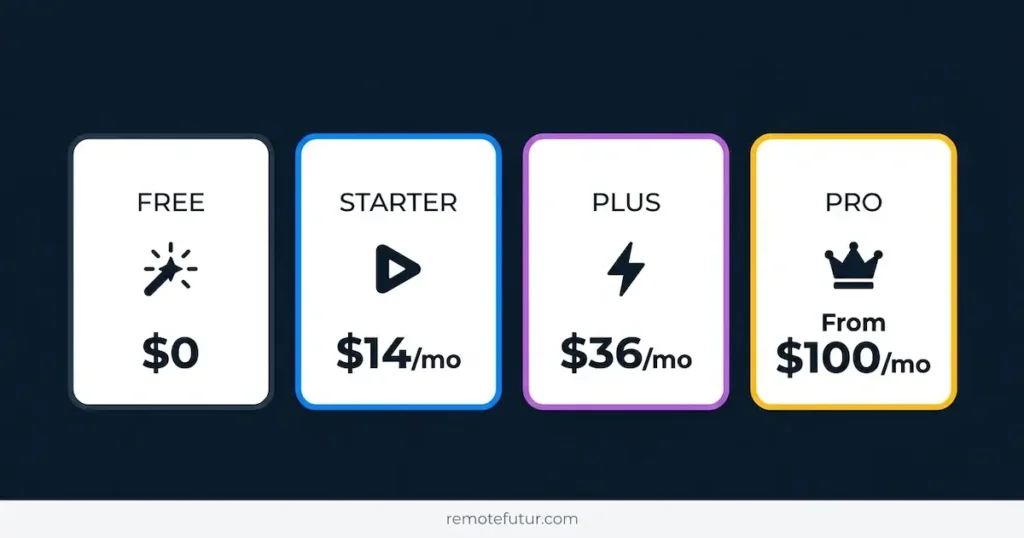
- Free: $0, no credit card required, includes daily free credits, the video agent, viral video remixing, AI talking photos, and the image agent
- Starter: $14 a month billed monthly, down from a $25 list price, includes 2,100 credits a month plus faster generation and watermark removal
- Plus: $36 a month billed yearly, includes 6,700 credits a month plus faster generation and one more customizable video avatar slot
- Pro: scales from $100 to $300 a month depending on the credit tier you pick, with monthly allowances ranging from 17,600 up to 59,000 credits, unlimited cloud storage, and early beta access
A few details matter before you pick a plan. For instance, every paid tier includes watermark removal and upscaling up to 4K. So, those features are not locked behind the higher tiers. However, your plan does limit video avatar customization, with one slot on Starter, three on Plus, and ten on Pro. Even so, unlimited photo avatars come on every tier, including Free.
Pricing and credit allowances can shift over time, and with Pippit specifically, they have. The Starter plan alone has been reported at several different rates within the past year. Depending on when a reviewer checked, that rate ranged from around $10 a month to over $24 a month. Because of that, treat any number in this post as a snapshot rather than a guarantee. Confirm current pricing directly on the official Pippit AI pricing page before you subscribe.you subscribe.
Pros and Cons of the Pippit AI Video Generator
Every AI video tool involves trade offs, so being honest about the limitations matters just as much as highlighting the strengths.
Pros
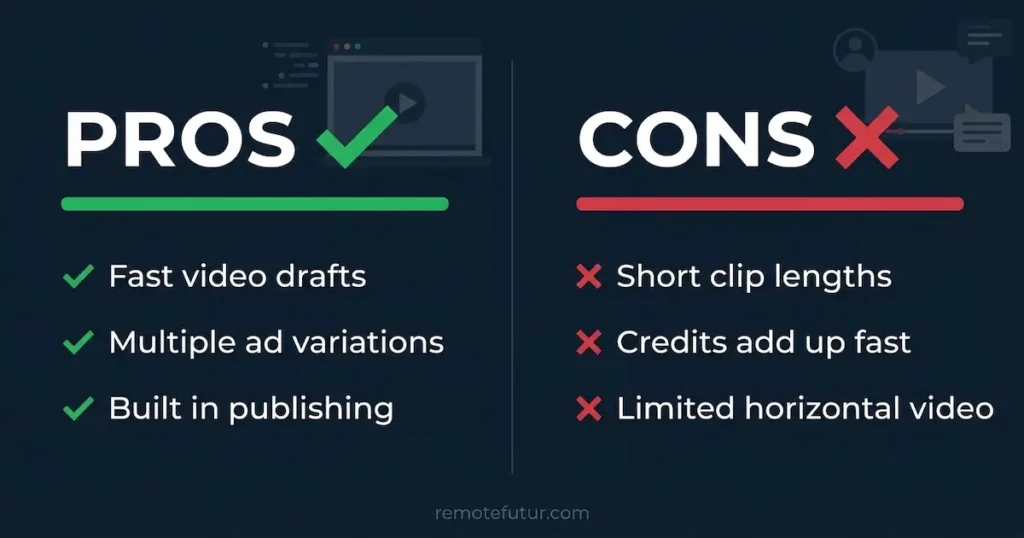
- Turns a product link into a finished video draft in minutes
- Generates multiple video variations at once, useful for ad testing
- Offers a large avatar and voice library with strong language support
- Removes product photo backgrounds automatically, saving a separate editing step
- Publishes directly and tracks basic analytics, all in one dashboard
Cons
- Caps video length per clip, so it is not built for long form content
- Consumes credits fast once you combine avatars, captions, and background removal in one project
- Delivers voiceover and music that feel functional rather than distinctive, and can start repeating with heavy use
- Treats horizontal video as a secondary feature, not a core strength
- Leaves some outputs needing manual polish before they are client ready
How the Pippit AI Video Generator Compares to Other Tools
Are you exploring Pippit as part of a wider AI video toolkit? If so, it helps to know where it sits next to other options we have covered. For example, for UGC style ad creation, check our Creatify AI review and our TagShop AI review. Both promise something similar: turning products into short form ad content.
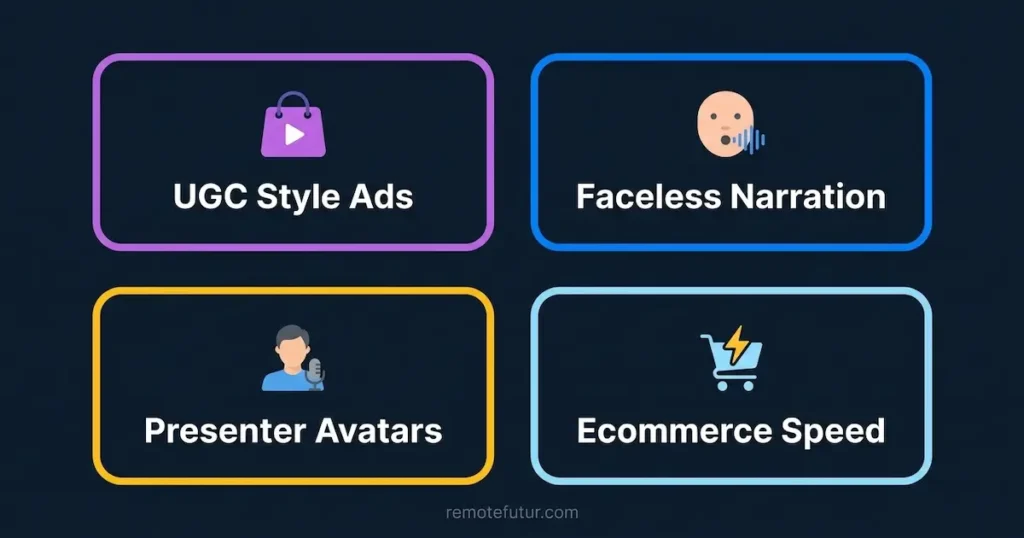
Do you prefer faceless narration instead? If so, StoryShort AI focus on that format. Alternatively, do presenter style avatars draw you in most? Our Synthesia AI review covers a tool built entirely around that use case, with a different pricing structure than Pippit.
For a broader view of these tools, see our roundup of best AI tools for content creators.
Frequently Asked Questions
Is Pippit AI free to use? Yes. Pippit offers a free plan with no credit card required. Also, it includes daily free credits, the video agent, and the image agent. However, heavier use, watermark removal, and faster generation all require a paid plan starting at the Starter tier.
What is Pippit AI best for? As an AI video generator, it suits short form vertical video ads, product photography, and quick avatar led content. So, ecommerce sellers and social media marketers get the most value from it.
Does Pippit AI work for YouTube style horizontal video? It can produce horizontal video. However, its templates and defaults favor vertical, short form content, so horizontal output tends to need more manual adjustment.
Is Pippit AI connected to CapCut? Yes, Pippit operates within the same company ecosystem as CapCut, and it shares some underlying technology with that editor.
Do I need editing experience to use Pippit AI? You do not need prior editing experience to generate a first draft. That said, understanding basic video pacing and structure will still help you get better results from the tool.
Final Thoughts
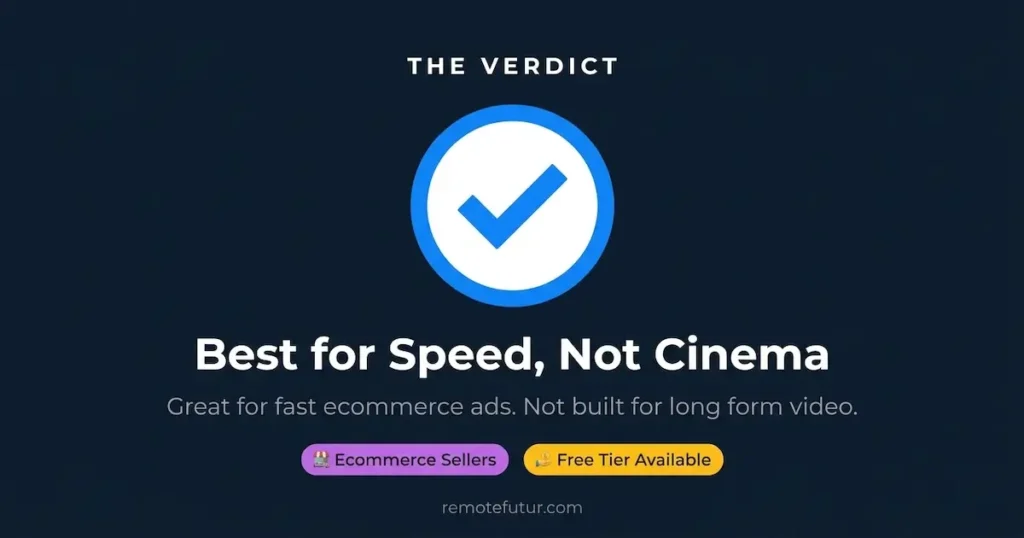
Pippit AI fills a specific niche well as an AI video generator. Do you sell products online and need fast, testable video ads without hiring a production team? If so, it is worth a look, especially given its free tier for testing the waters. That said, go in with realistic expectations about creative control and video length. This is a volume and speed tool first, not a cinematic editor.
Ready to see how it fits into your own content workflow? If so, start with the free plan before committing to anything paid.

Also, are you building out a full ecommerce content stack? If so, our guide to the best dropshipping tools is a solid next stop.
Work Smarter. Live Better.
Affiliate Disclosure: This post contains affiliate links. So, if you click through and make a purchase or sign up, we may earn a small commission at no extra cost to you.
Related Reads
- How to Start an Online Store in 2026 & Make Your First Sale
- The Best Dropshipping Tools in 2026
- Creatify AI Review: How to Create High Converting Ads Fast
- TagShop AI: Quick Awesome AI UGC Video Ads
- StoryShort AI Review 2026: A Powerful Faceless Video Tool
- Synthesia AI: Is It The Best AI Video Tool?
- What Is UGC & How to Make Money With It
- Best AI Tools for Content Creators in 2026

Ibra A. is the founder of Remote Future, a site covering AI tools, remote work, and online business strategies. He holds a Facebook Social Media Marketing certificate from Coursera and actively tests AI tools to support independent creators and small business owners. His focus is practical, no-hype guidance for people building lean online businesses.
Our content is created using AI tools to support efficient research and writing, with human direction, verification, and editorial review by Ibra A.
AI-assisted content with human editorial oversight.
See our AI editorial policy
Content on Remote Future is created using AI tools to support efficient research and writing for remote workers and creators, followed by human edits for clarity and accuracy.
Read our AI Editorial Policy.