

Last Updated on May 31, 2026
AI Transparency VerifiedStoryShort AI Review 2026: A Powerful Faceless Video Tool
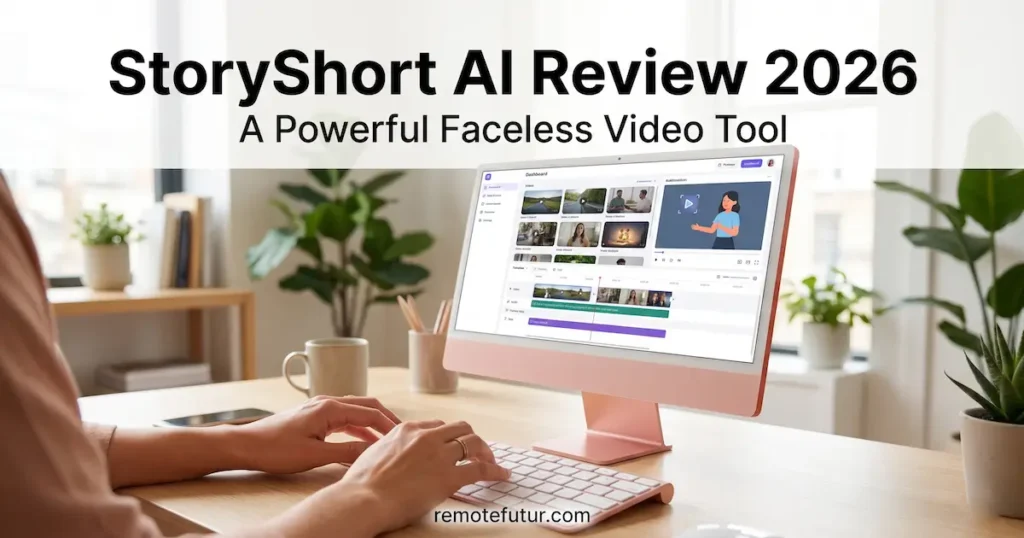
If you are searching for a reliable faceless video tool in 2026, StoryShort AI has probably come up in your research. And for good reason. However, something big has changed since most early reviews were written. StoryShort AI has grown from a basic clip-making tool into a full AI video suite. So this is not just a simple repurposing app anymore.
In this updated 2026 review, we cover everything new. That includes the expanded faceless video features, updated pricing, honest limitations, and who this tool is really built for now.
Research and Transparency Disclosure
This review is based on thorough research of official StoryShort AI documentation, competitor comparisons, and user-reported experiences. We have not personally tested every feature of the platform firsthand. Our goal, as always, is to give you an accurate and balanced picture so you can make an informed decision.
Affiliate Disclosure
This post contains affiliate links. So, if you purchase through our link, we may earn a small commission at no extra cost to you. This never influences our recommendations. We only cover tools we believe are genuinely worth your attention.
Quick Verdict
| Category | Details |
|---|---|
| Best for | Solo creators, marketers, and e-commerce brands needing video at scale |
| Standout feature | Full AI video suite with UGC ads, Sora and Veo3 integration, and faceless content tools |
| Starting price | $39 per month |
| Free plan | Yes, with starter credits. No credit card required. |
| Our rating | 3.5 out of 5 |
What Is StoryShort AI? (A Faceless Video Tool Explained)
StoryShort AI started as a tool for turning long videos into short social clips. Today, however, it is much more than that. The platform now offers a wide range of AI video tools. These include UGC ad creation, AI influencer generation, long-form video production, motion animation, and a developer API for large-scale automation.
So if you are looking for one platform to cover many video creation needs, StoryShort has repositioned itself as a serious all-in-one option. Furthermore, this shift changes who the tool is best suited for. We cover that in detail below.
New Features in 2026: A Completely Evolved Faceless Video Platform
This is where the original review fell short. StoryShort AI now includes tools that go far beyond basic repurposing. So here is a full breakdown of what is new and why it matters.
AI Ad Generator (UGC Ads)
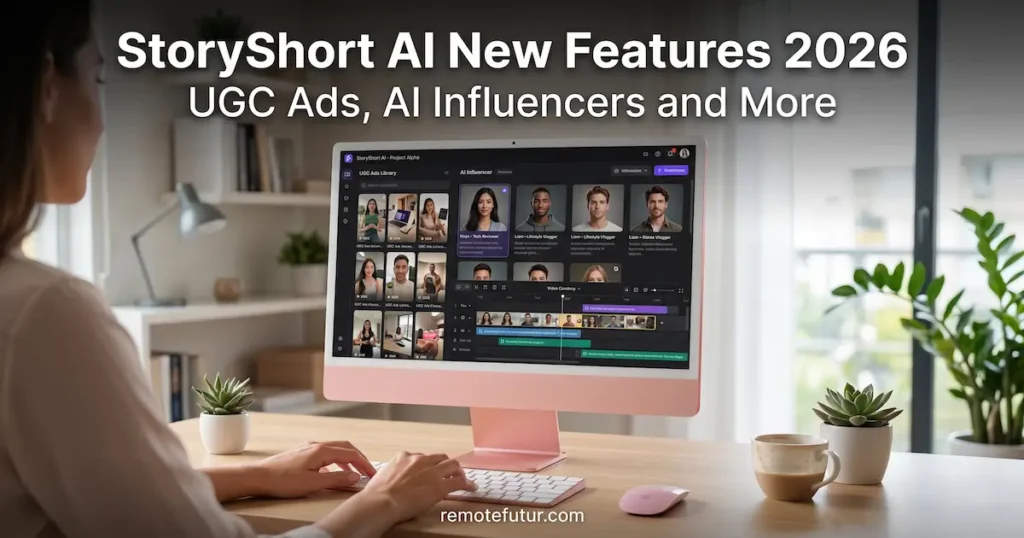
One of the most useful new tools is the AI Ad Generator. It creates authentic-looking UGC style ads for any product or service. First, you paste a product URL. Then the AI writes a conversion-focused script for you. After that, you simply pick an AI influencer to deliver the message in a natural, relatable way.
Also, the tool supports over 50 languages. So it is a real advantage for brands targeting global markets. If you are already exploring UGC ad creation, our Creatify AI review covers a direct competitor in this space. It is worth reading before you decide.
Sora and Veo3 Powered UGC Creator
StoryShort now integrates with OpenAI’s Sora and Google’s Veo3. As a result, you can create fully AI-powered UGC videos without any actors, cameras, or filming gear. You can also build a consistent AI character and use them across many videos. This helps you build brand recognition over time.
This is a big upgrade. Before, tools in this category needed real footage or basic avatar generation. Now, the quality gap has narrowed a lot.
AI Influencer Generator
You can now create your own custom digital presenter for your brand. The platform gives you a range of professional AI presenters to choose from. You can also customize their look and tone to fit your brand. Furthermore, the same AI presenter can speak in many languages while keeping natural pronunciation and expression.
For a broader look at AI presenter tools, our HeyGen vs Synthesia vs Synthesys comparison gives you a clear side-by-side view of the top options.
AI Long-Form Video Generator
This is perhaps the biggest change from the original tool. StoryShort now creates professional 10 to 30 minute videos on its own. It handles research, scriptwriting, image generation, voiceovers, and 4K export for YouTube. Supported styles include documentaries, tutorials, true crime, and tech reviews.
As a result, StoryShort now competes with tools like Invideo AI for long-form content. Both are worth comparing if long-form automation is your priority.
AI Motion Control (Powered by Kling v2.6)
The Motion Control feature lets you animate a static image using a reference video. Basically, you can make a character perform a dance move, facial expression, or any action based on footage you provide. We have covered the Kling engine in our Kling AI review. The technology behind it is genuinely impressive.
Specialized Faceless Video Content Generators
StoryShort now includes a growing library of niche content tools. These cover many popular faceless content formats:
- Text to Brainrot and PDF to Brainrot for viral social media formats
- True Crime, Anatomy, and Horror Story documentary generators
- AI ASMR Generator, POV Video Generator, and AI Music Video Generator
- Reddit Post to Video converter
These niche tools are built for the faceless channel creator market. So if you run an automated content channel in one of these niches, several of these generators could save you a lot of time.
Advanced AI Image Suite
The platform now includes a full image editing and generation toolset with three models:
- Qwen Edit Pro for natural-language image editing
- Flux 2 Pro for professional text-to-image generation
- Nano Banana 2 for fast and low-cost image generation
Also, each model uses a different number of credits per generation. We cover that in the pricing section below.
Developer API
Finally, StoryShort now offers a REST API for large-scale automation. This lets agencies and developers generate and publish hundreds of videos each day. However, this feature is aimed at power users and technical teams. It is not designed for individual creators.
StoryShort AI Pricing (Updated 2026)
The pricing structure has changed a lot from what earlier reviews reported. So here is the current breakdown:
| Plan | Monthly Cost | Videos | Credits | Series |
|---|---|---|---|---|
| Starter | $39 | 40 | 400 | 1 |
| Growth | $69 | 120 | 1,200 | 2 |
| Influencer | $129 | 240 | 2,400 | 3 |
| Ultra | $199 | 500 | 5,000 | 4 |
Also, a free plan is available with starter credits. No credit card is required. This lets you test all AI models before committing to a paid plan.
How Credits Work
Different AI models use different amounts of credits per generation. Here is a simple breakdown:
- Sora 2: 20 credits per video
- Veo 3: 50 credits per video
- Wan 2.5: 10 credits per video
- Flux 2 Pro and Qwen Edit Pro: 5 credits per image
- Nano Banana 2: 3 credits per image
So this credit system is important to understand before you pick a plan. For example, if you use Veo 3 often, your credits will run out fast on the Starter plan. Therefore, think about which models you will use most before subscribing.
One more thing to flag: there is no money-back guarantee. This is because of the high GPU costs involved. So testing the free plan carefully before upgrading is strongly recommended.

What Users Praise About This Faceless Video Tool
Based on research across reviews and official documentation, three things stand out most.
Realistic AI voices: The integration of ElevenLabs and OpenAI voice technology is a key strength. The voices avoid the robotic tone found in many AI video tools. As a result, reviewers describe the audio as natural-sounding and easy to listen to.
Significant time savings: The ability to automate the full production workflow is what users love most. This includes scriptwriting, B-roll, captions, and publishing. So many creators report cutting their editing time from hours to just a few minutes per video.
All-in-one convenience: Unlike setups that need many different apps, StoryShort handles everything in one dashboard. For busy solo creators, this is a genuine advantage.
Honest Faceless Video Tool Limitations
No tool is perfect. So here are the limitations worth knowing before you sign up.
Limited creative control: StoryShort is not a full video editor. If you need advanced transitions, fine adjustments, or complex storytelling, you will still need a tool like CapCut or Adobe Premiere Pro alongside it.
Inconsistent AI output: Clip detection can miss key moments. Also, heavy use of templates means videos can look similar to other users’ content. So manual adjustments are often needed to match your brand voice.
No money-back guarantee: Full features require a paid plan, and there is no refund policy. This is due to GPU costs. However, it is still a real barrier for creators who want to test before paying.
Low Trustpilot score: The platform currently holds a 2.3 out of 5 on Trustpilot. The sample size is small, but it is worth keeping in mind when making your decision.
Faceless Video Tool: Pros and Cons
Pros:
- True all-in-one AI video suite covering repurposing, UGC ads, long-form production, and image generation
- Access to cutting-edge models including Sora, Veo3, and Kling v2.6
- Supports over 50 languages for global reach
- AI voices powered by ElevenLabs and OpenAI for natural audio
- Free plan available with no credit card required
- Full commercial rights on all generated content
- Direct publishing to TikTok and YouTube without manual uploading
Cons:
- No money-back guarantee
- Premium AI models consume credits quickly on lower plans
- Output can feel templated without manual adjustments
- Low Trustpilot score warrants caution
- Not suitable for advanced creative or cinematic editing
Who Is This Faceless Video Tool Best For?
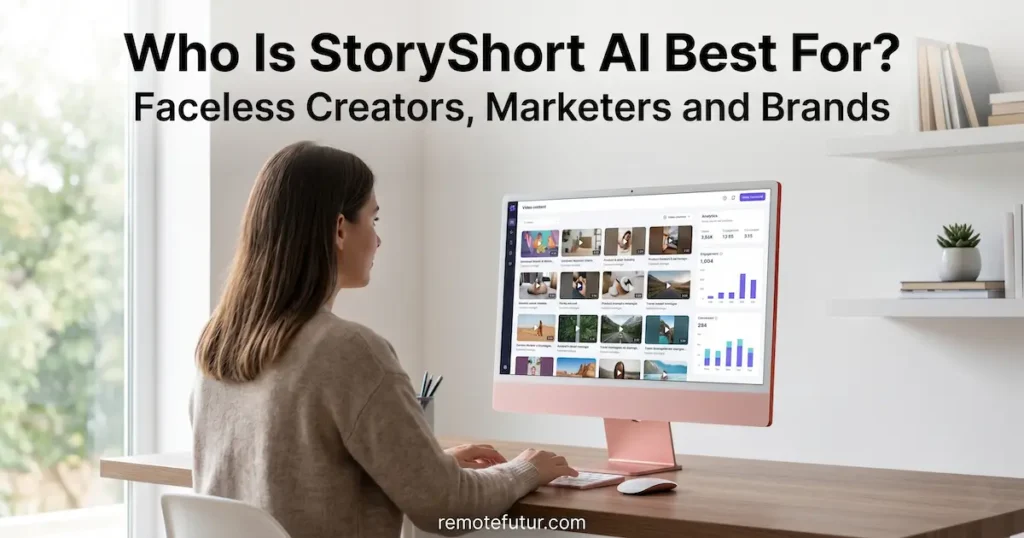
StoryShort works best for a specific type of creator or business. So here is a practical breakdown.
Solo content creators running faceless channels: If you want to post daily on TikTok or YouTube Shorts without being on camera, the automated workflow is a real time-saver. In fact, this is probably the clearest use case for the platform right now.
Digital marketers and agencies: Producing large volumes of UGC-style ad creatives for clients becomes much easier with the AI Ad Generator. Our guide on how to make TikTok AI UGC ads covers the broader context for this type of content.
Coaches and educators: Repurposing long webinars or tutorials into short clips is still one of StoryShort’s best use cases. Additionally, the long-form video generator opens up new ways to create educational content from scratch.
E-commerce brands: Online sellers can create product demo videos and test many ad creatives without hiring a team. Also, if you are building an online store, our beginner’s guide to starting an online store covers the full business setup side.
Freelancers offering video services: Providing AI-assisted content repurposing as a service is a real income stream. However, it works best when you are honest with clients about the AI-assisted workflow involved.
Who should look elsewhere: If you need precise manual editing or cinematic quality, a traditional editor will serve you better. Furthermore, if you use premium AI models often, the credit limits on lower plans can become frustrating.
Real-World Faceless Video Use Cases
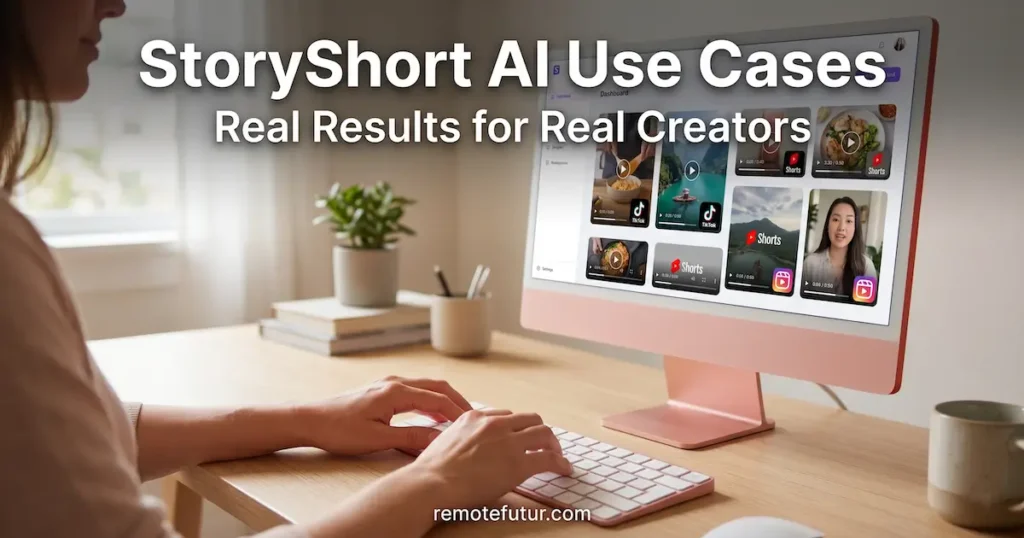
To make this concrete, here are real scenarios where StoryShort AI delivers value.
Repurposing a 60-minute podcast: First, upload the recording. Then let the AI find the best moments, add captions, and export 8 to 10 ready-to-post clips in under 20 minutes. This is still one of the strongest use cases for the platform.
Running a true crime or documentary channel: Simply use the niche documentary generators to create narrated, visually rich faceless content. As a result, you never need to film anything yourself.
Creating UGC ads for a Shopify product: Paste the product URL, pick an AI influencer, choose a language, and generate an ad in minutes. This is where Sora and Veo3 make a real difference in output quality compared to older tools.
Building a consistent AI brand presenter: Create a digital spokesperson and use them across every video. Consequently, your audience builds familiarity with your brand without you ever going on camera. This is especially useful for brands that publish in multiple languages.
For a broader look at tools that work well alongside StoryShort, our roundup of the best AI tools for content creators in 2026 is a great starting point.
How StoryShort Compares to Key Faceless Video Alternatives
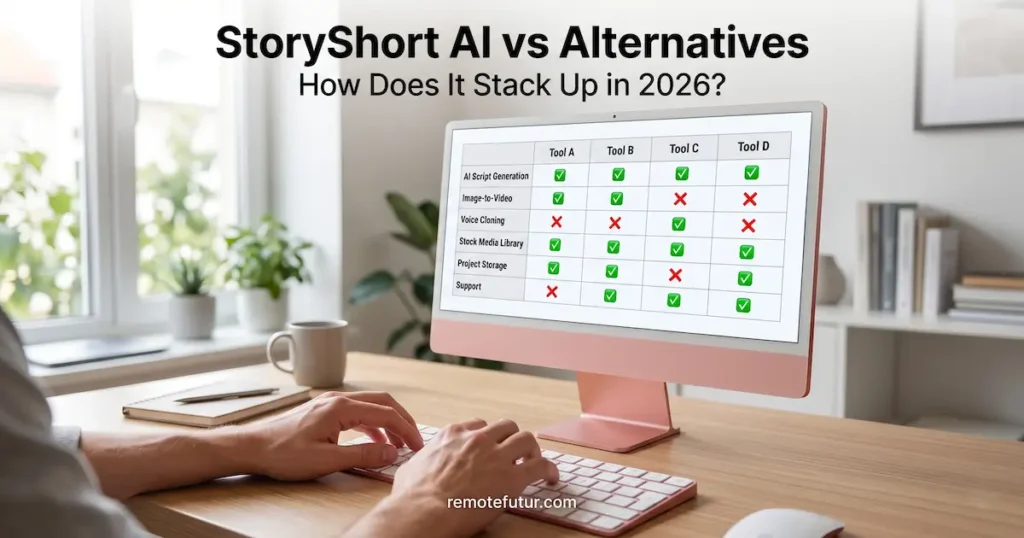
StoryShort now competes across many video categories. So here is an honest look at how it compares.
For AI presenter and avatar tools, HeyGen AI and Synthesia AI are still more polished options. They have a stronger track record for professional presenter videos. Synthesys AI is also worth considering for realistic AI video in this category.
For UGC-style ad creation, Creatify AI is a focused and purpose-built competitor. Our Creatify vs Tagshop AI comparison covers that space in more depth.
StoryShort’s main advantage is breadth. However, breadth sometimes comes at the cost of depth in any single feature. So if your main need is one specific video type, a purpose-built tool may still serve you better.
Frequently Asked Questions
Is StoryShort AI good for faceless video channels? Yes. It is one of the more complete platforms for building faceless video content. The niche generators, AI influencer tools, and automated voiceovers mean you can produce a full channel without ever appearing on camera.
Is StoryShort AI free to try? Yes. A free plan is available with starter credits and no credit card required. Full access to higher video volumes and all plan features requires a paid subscription starting at $39 per month.
Does StoryShort AI support multiple languages? Yes. The platform supports over 50 languages for scripts, voiceovers, and AI influencer content delivery.
Do I own the content I create on StoryShort? Yes. You have full commercial usage rights for all content generated on the platform, including UGC ads, AI influencer videos, and images.
Can I publish directly from StoryShort to social platforms? Yes. The platform supports direct publishing to TikTok and YouTube without manual uploading.
Does StoryShort AI guarantee viral results? No tool can guarantee virality. Results depend on your niche, content quality, and posting consistency. StoryShort speeds up production but does not replace a solid content strategy.
What video formats can I upload? Standard formats like MP4 and MOV are supported. These cover most smartphones and cameras. For screen recordings or DSLR footage, exporting as MP4 gives the best results.
Is there a money-back guarantee? No. Due to high GPU generation costs, the company does not offer refunds. Testing the free plan carefully before upgrading is strongly recommended.
Can StoryShort AI fully replace a human video editor? Not fully. For speed and volume-based content, it performs well. However, for advanced storytelling, brand-heavy customization, or cinematic editing, a human editor or traditional software is still necessary.
Final Verdict: Is It a Good Faceless Video Tool?
StoryShort AI has grown into a genuinely ambitious faceless video tool. The addition of Sora and Veo3 integration, AI influencer generation, long-form video automation, and niche content generators shows real product ambition. Moreover, the free plan removes a meaningful barrier to trying it out.
That said, the low Trustpilot score, no money-back guarantee, and fast credit consumption on premium models are real concerns. Test the free plan thoroughly before committing to a paid tier.
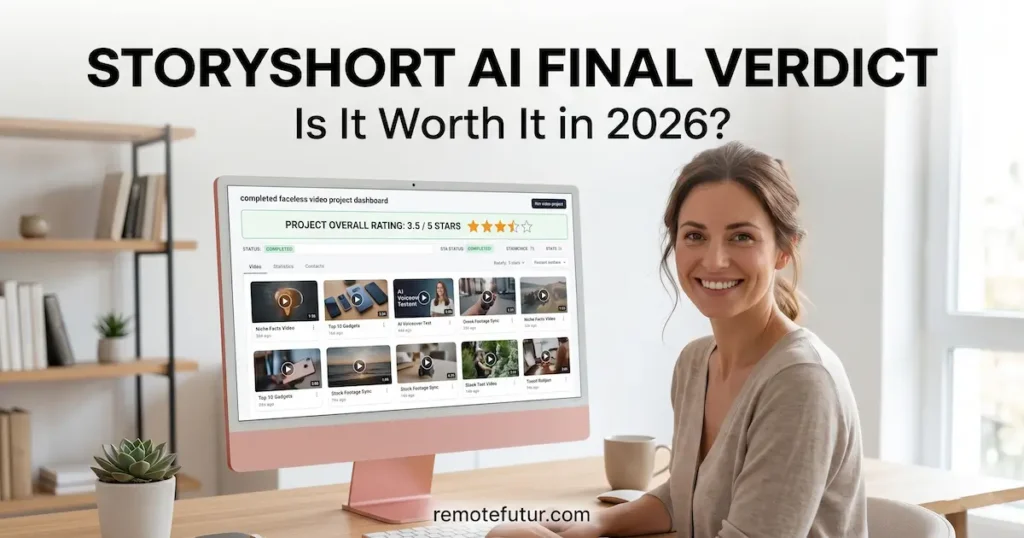
Our updated rating: 3.5 out of 5.
If this review helped, consider sharing it with a fellow creator. For more practical, no-hype guides on AI tools and remote business, subscribe to the Remote Future newsletter on Substack.
Work Smarter. Live Better.
Affiliate Disclosure: This post contains affiliate links. So, if you click through and make a purchase or sign up, we may earn a small commission at no extra cost to you.
Related Reads
- HeyGen AI Review 2026: Surprisingly Simple and Worth It
- Invideo AI: Text-to-Video Made Simple
- Creatify AI Review: How to Create High Converting Ads Fast
- How to Make TikTok AI UGC Ads (Fast & Free)
- Creatify vs Tagshop AI: Secret to Better Ads
- Kling AI: Five Great Reasons to Try It Today
- Best AI Tools for Content Creators in 2026

Ibra A. is the founder of Remote Future, a site covering AI tools, remote work, and online business strategies. He holds a Facebook Social Media Marketing certificate from Coursera and actively tests AI tools to support independent creators and small business owners. His focus is practical, no-hype guidance for people building lean online businesses.
Our content is created using AI tools to support efficient research and writing, with human direction, verification, and editorial review by Ibra A.
AI-assisted content with human editorial oversight.
See our AI editorial policy
Content on Remote Future is created using AI tools to support efficient research and writing for remote workers and creators, followed by human edits for clarity and accuracy.
Read our AI Editorial Policy.